Overview dashboard
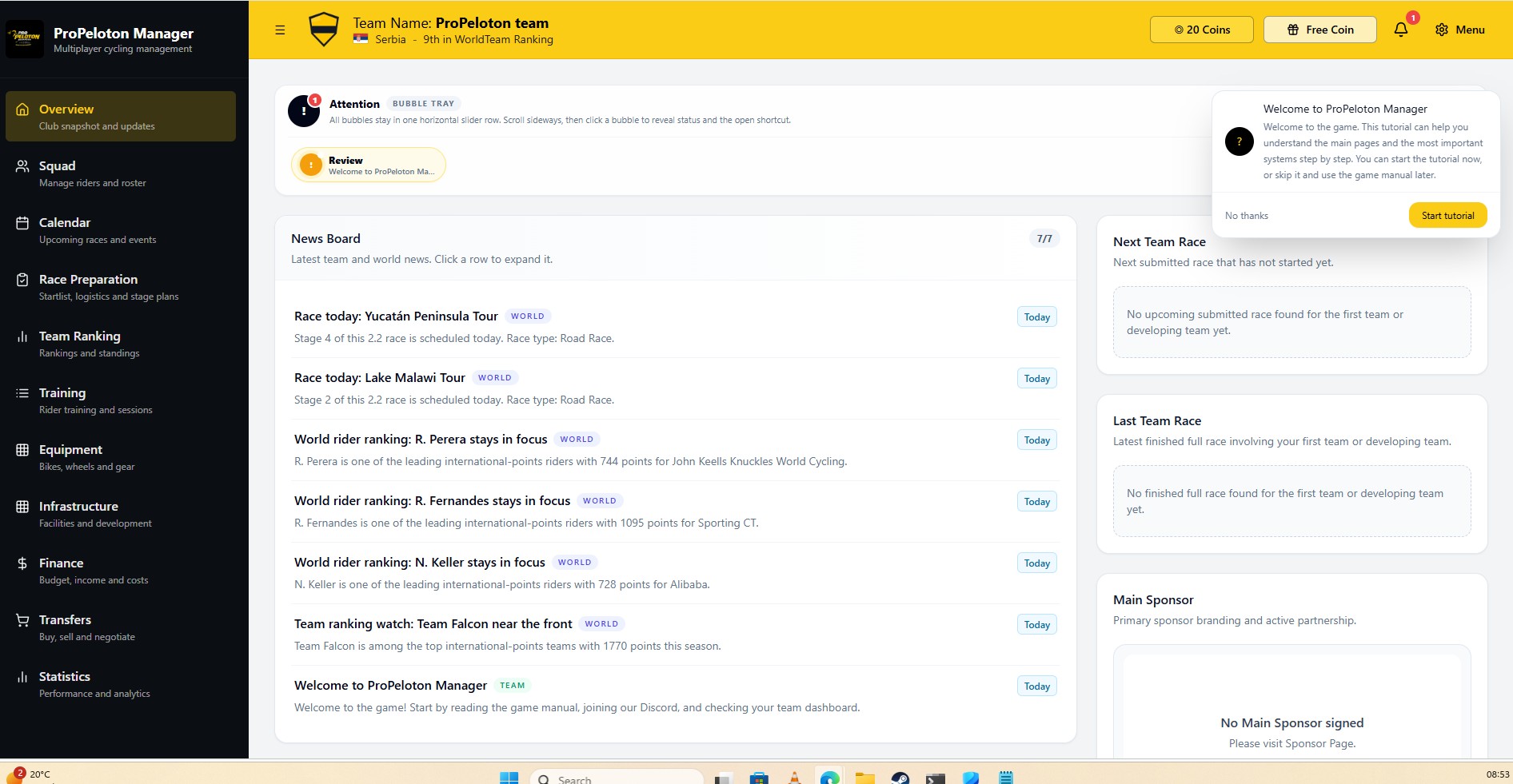
See how managers track club health, next races, training, finances and notifications from a single screen.
This demo area uses static screenshots and explanations to show the main game screens: the overview dashboard, calendar, race preparation, stage replay, rider profiles, finances and rankings.
These demo pages are read-only previews. They do not require an account or login. Each section highlights a key part of the game with a representative screenshot and a clear explanation of what managers can do there.
The live game uses similar layouts but is fully interactive, with real data, race simulations and long-term club progression.
See how managers track club health, next races, training, finances and notifications from a single screen.
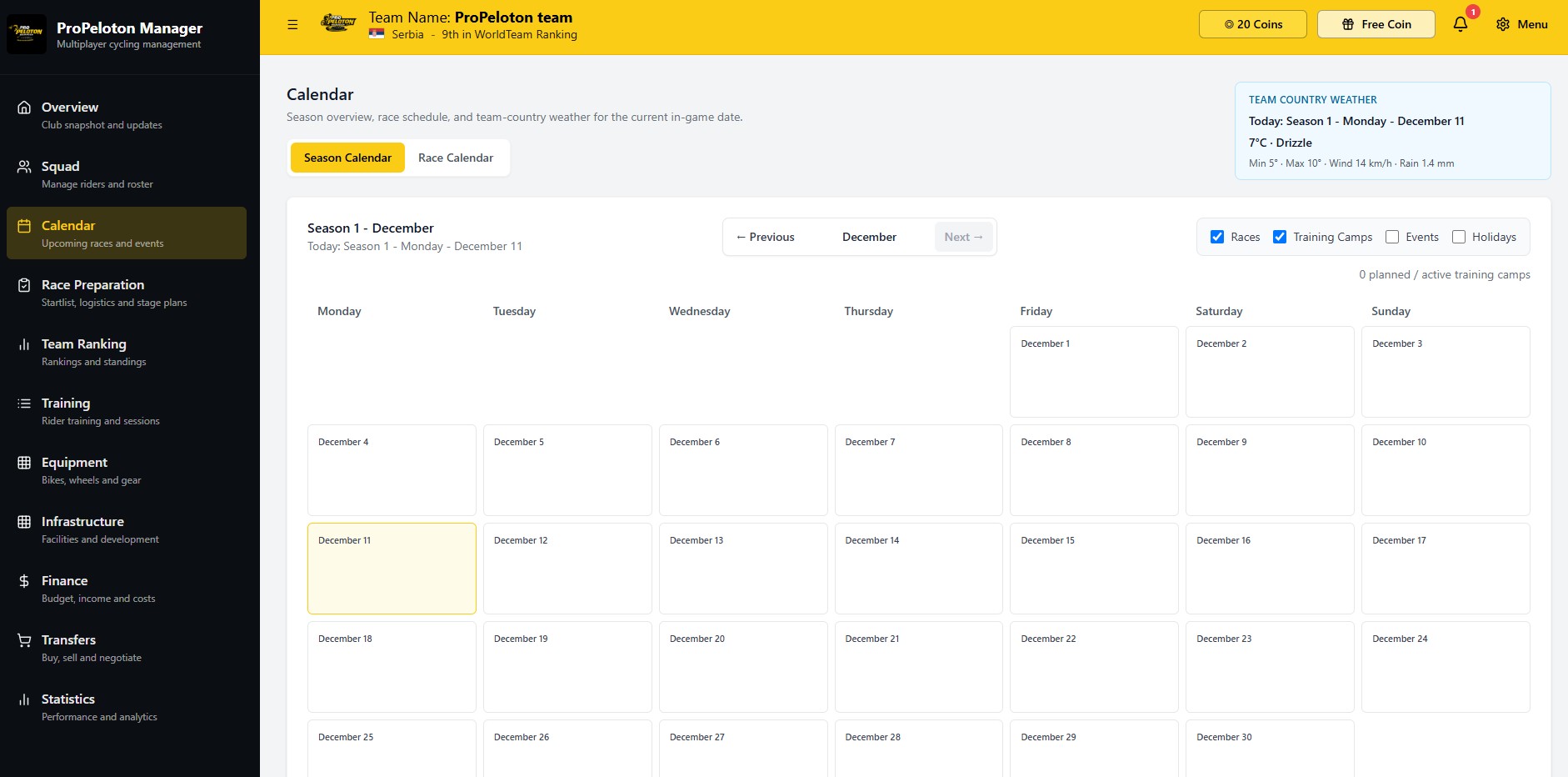
Preview the calendar that shows upcoming races, deadlines and season structure.
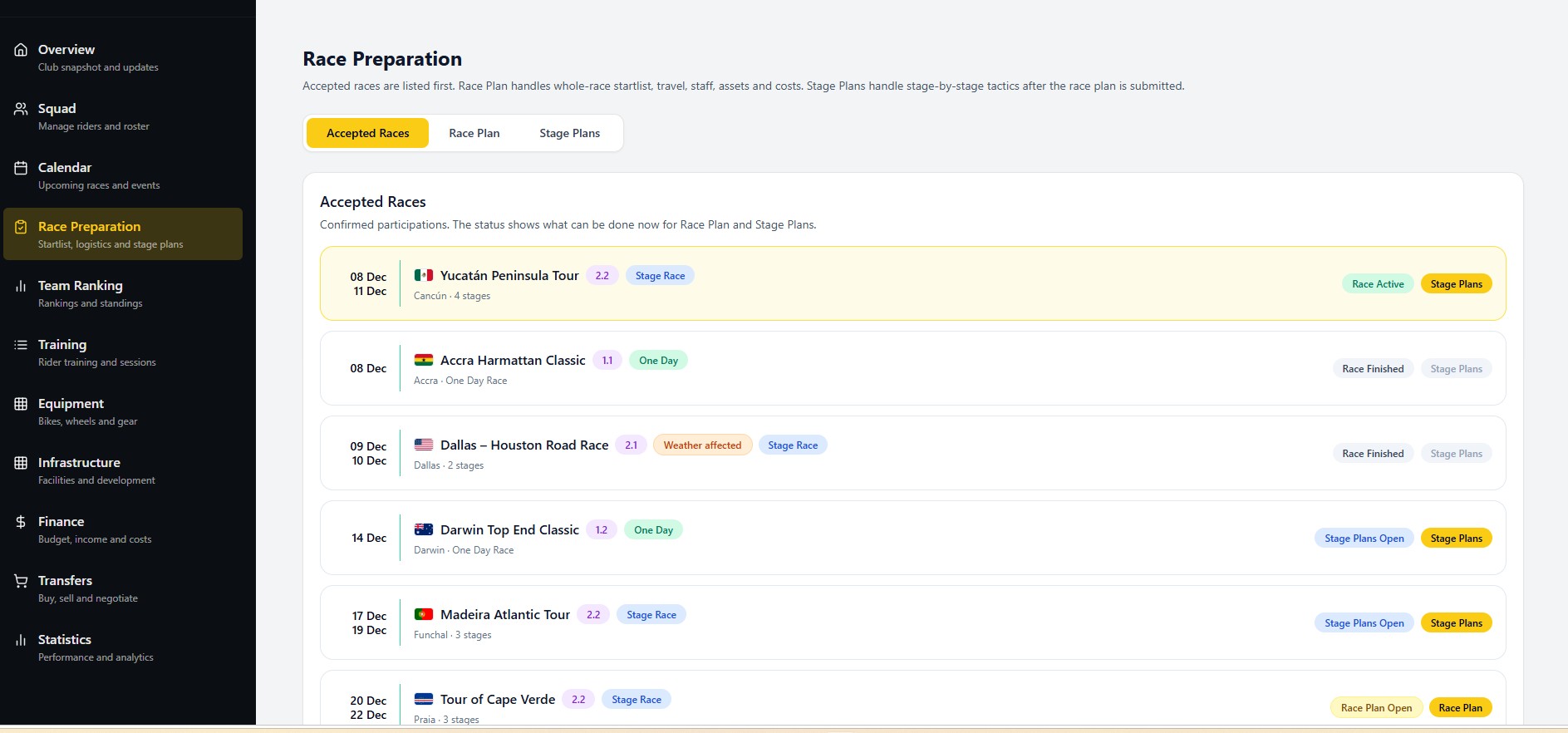
Learn how to select riders, assign roles, pick equipment and prepare tactics before the start.
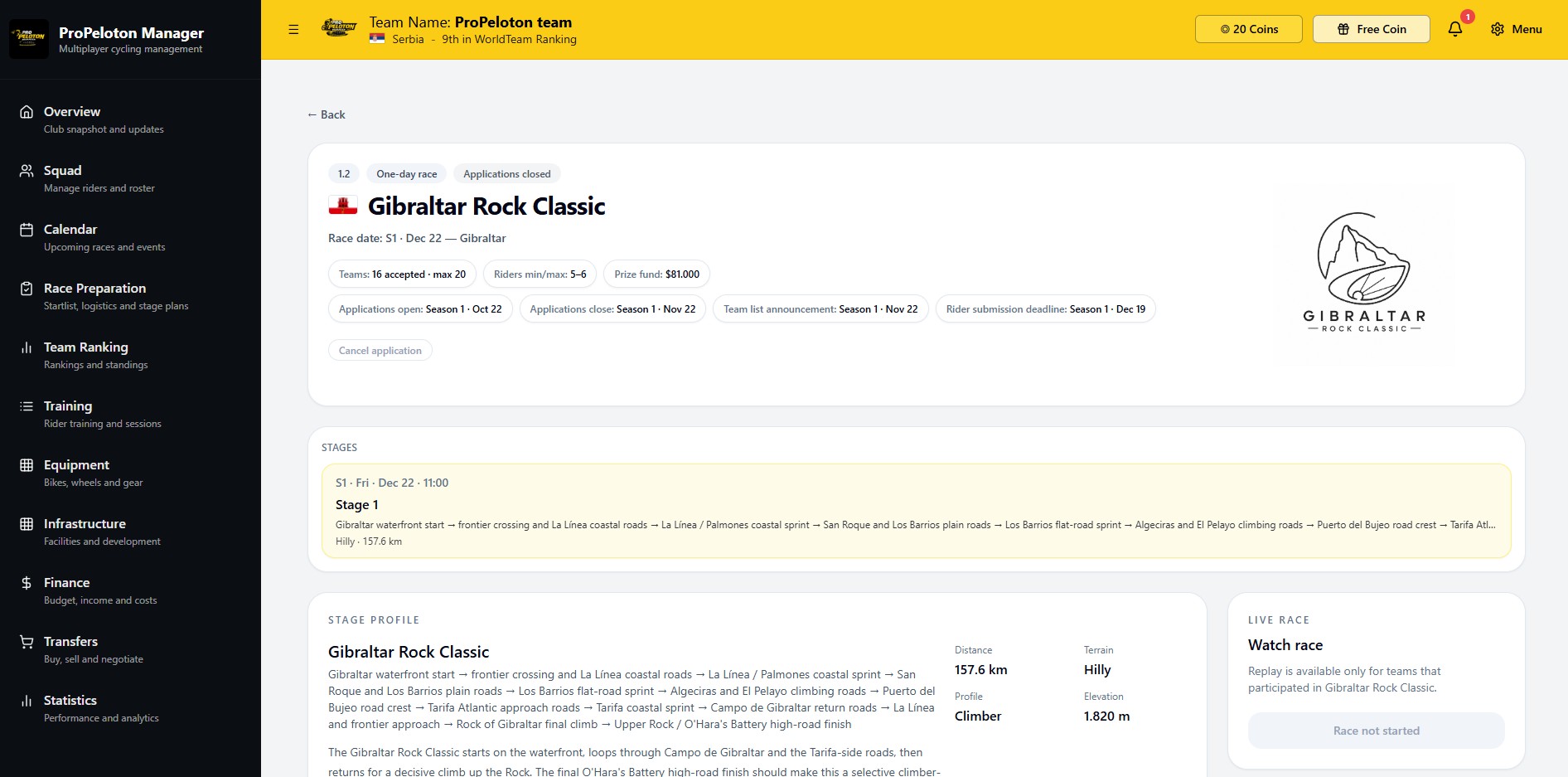
See how the game summarizes race events, key moments and results after the finish line.
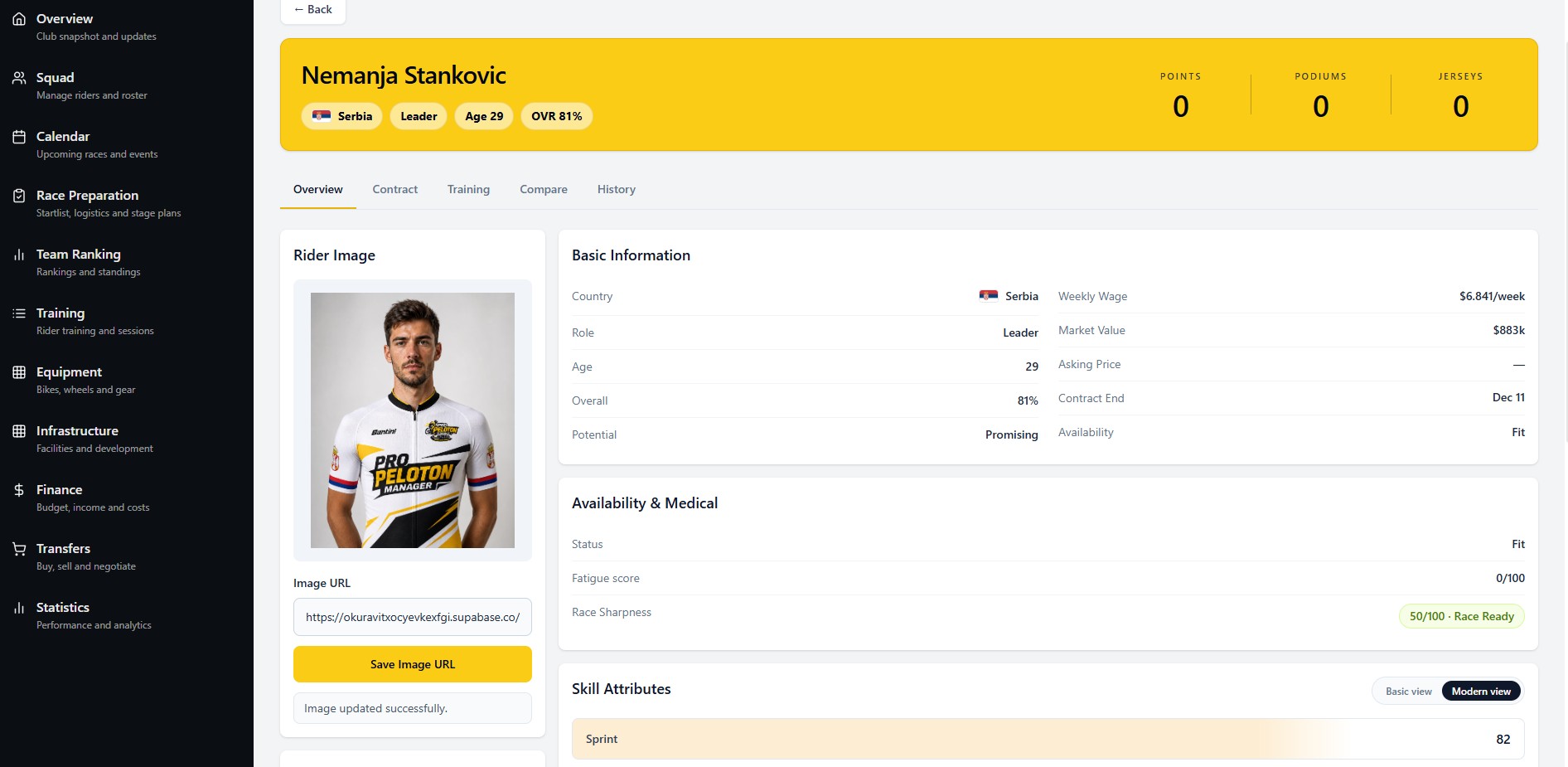
Explore how player managers inspect attributes, form, fatigue and long-term potential for each rider.
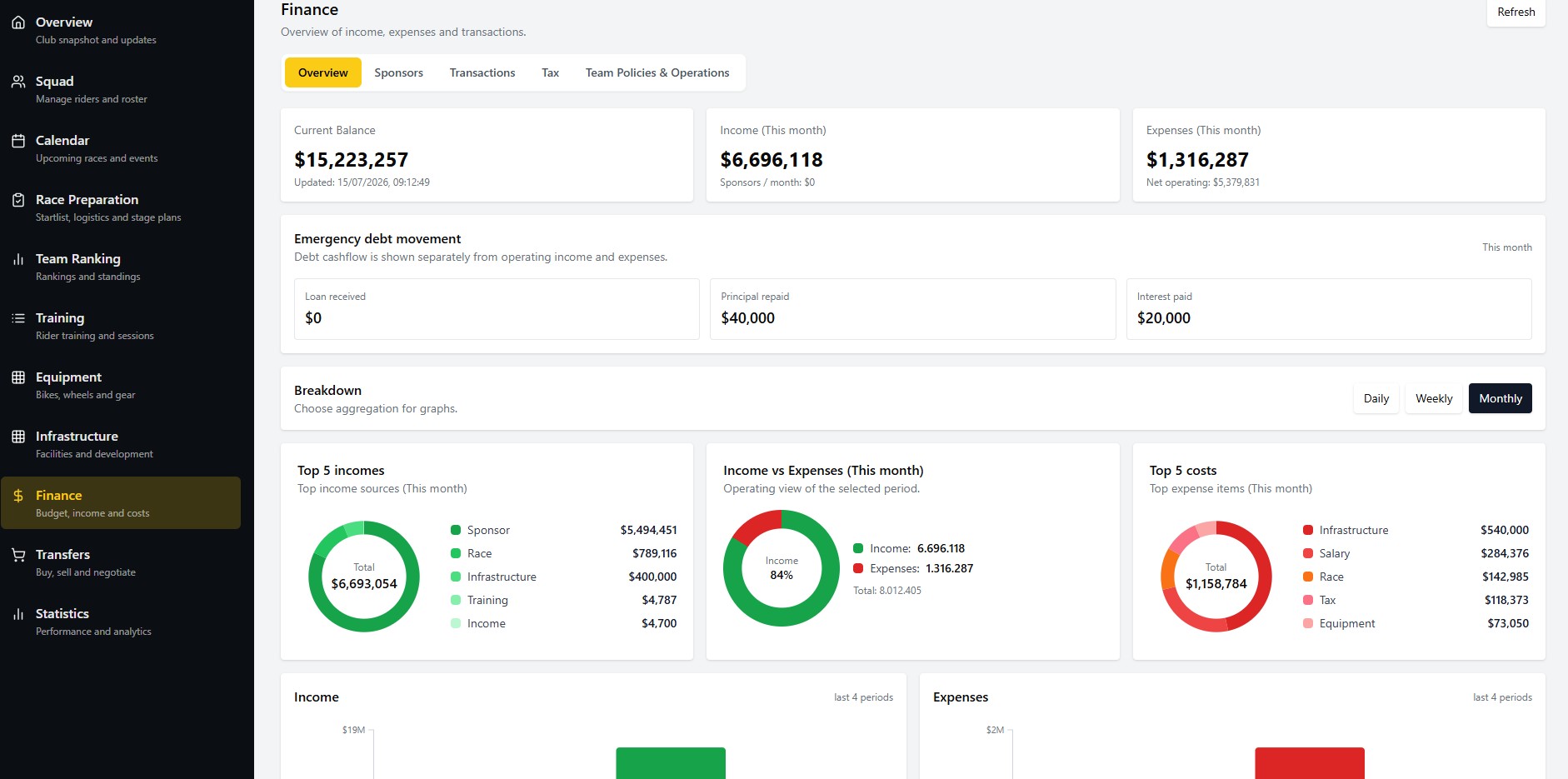
Understand the basic budget view: income, expenses, wages, sponsors and cash flow over the season.
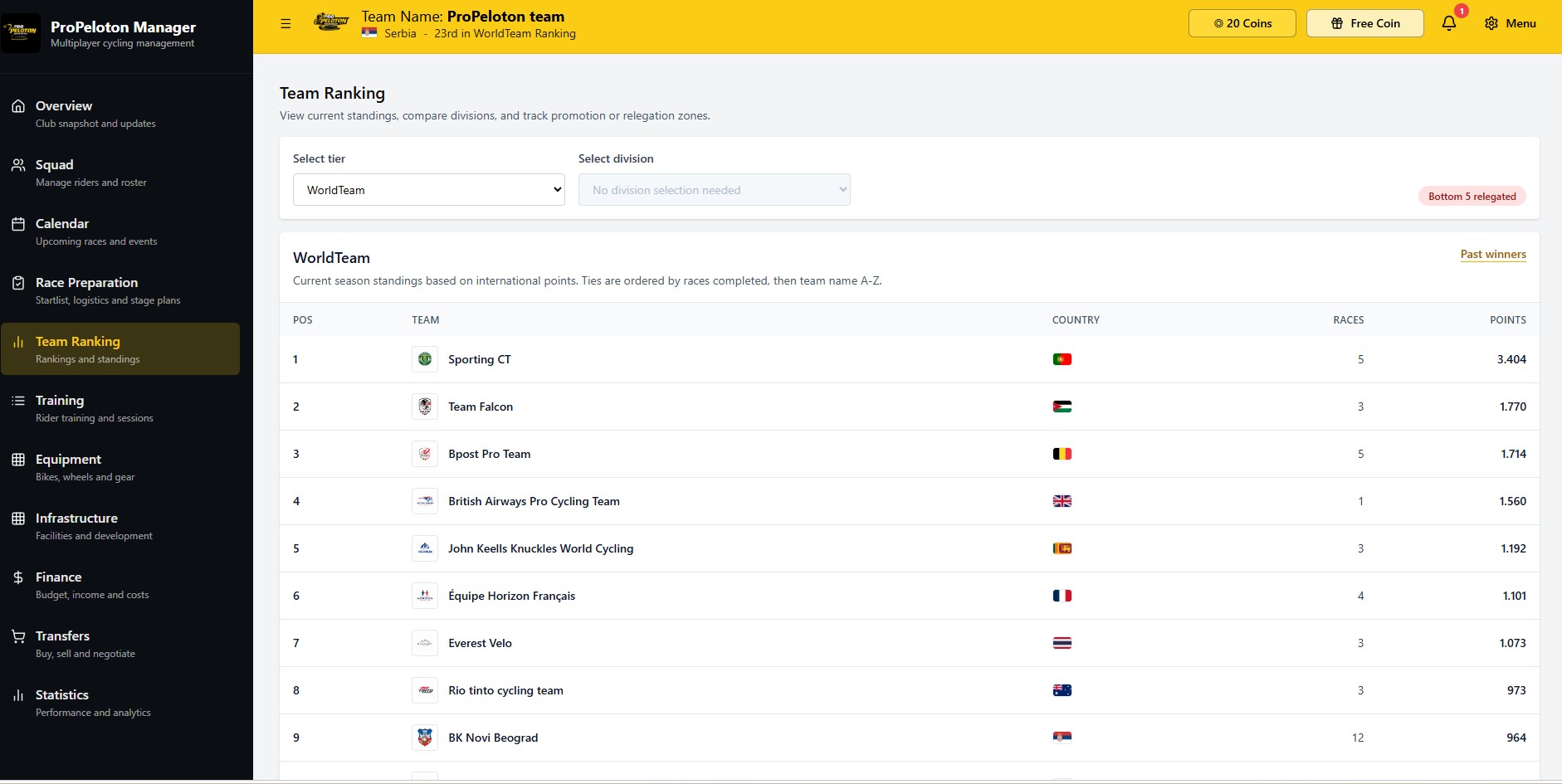
See how results and consistency translate into club rankings and season-long goals.
When you are ready to move from static previews to real management decisions, you can create an account and start building your club.